
Chrome Web Store 2.02 · Gmail, in your browser
Review Gmail spam. Rescue mistakes. Empty the rest.
TriageBox 2.02’s Spam tab shows the pile with a count. Review & clean up opens a full-page pass (the popup can close). Delete entire folder moves every spam thread to Trash after a second confirm. No AI key for that path. No TriageBox server.
This is not a phishing checker, bulk unsubscribe, or deleting old inbox mail.
Free on the Chrome Web Store · no account · desktop Chrome only
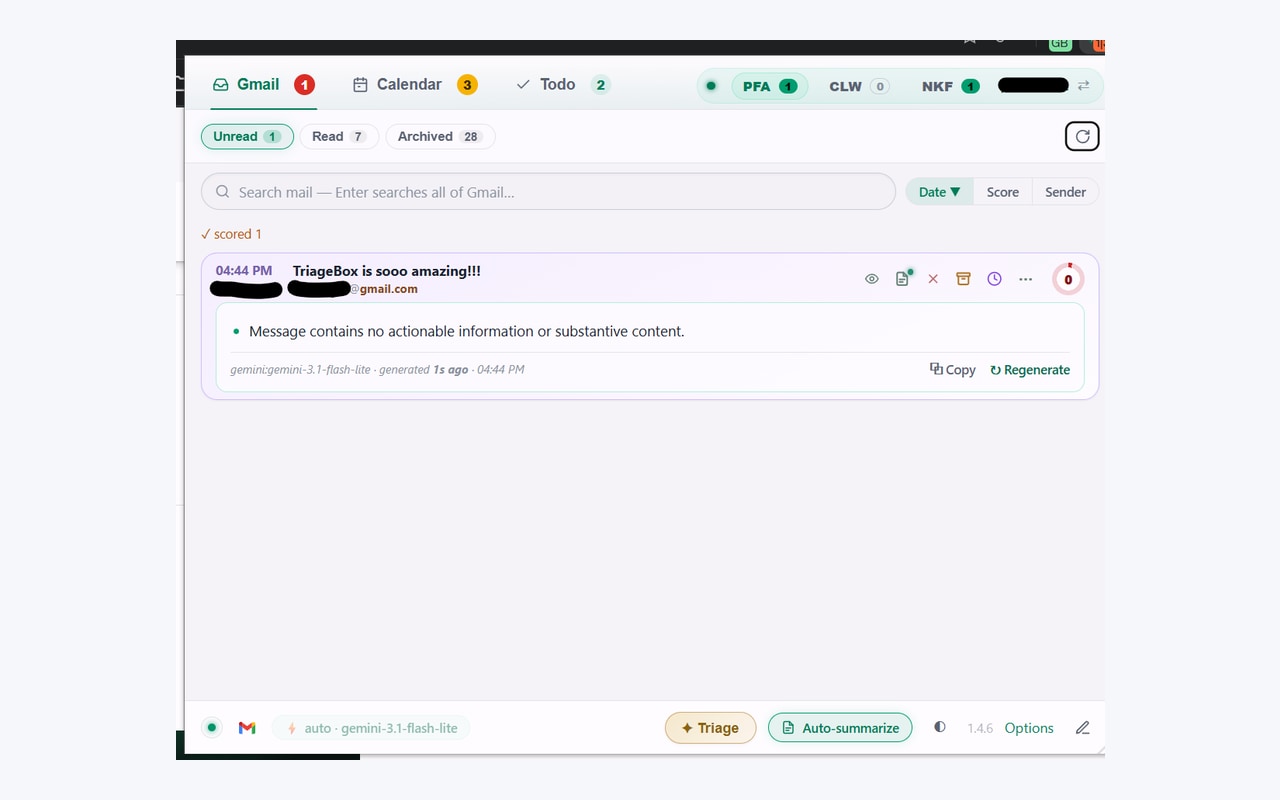
Gmail already has Spam
Use Gmail if one-by-one is fine. Use TriageBox if you want the pile as a list, then a confirmed empty.
Gmail’s Spam folder is free and correct. Select all and delete works. TriageBox 2.02 is the narrower job: see the count in the popup, review in a full tab so nothing blocks the badge, and empty with an armed second click. Deleted spam sits in Trash for about 30 days. First-time install still shows Google’s unverified-app screen.
Same mailbox, different job
Gmail Spam vs TriageBox 2.02
Facts from Gmail’s Spam folder and from the live Chrome Web Store listing for TriageBox 2.02. No invented ratings.
| What you need | Gmail | TriageBox 2.02 |
|---|---|---|
| See what landed in spam | Spam folder in gmail.com | Spam tab with a live count on the bar |
| Rescue a false positive | Not spam / move to inbox | Review & clean up (full-page pass) or act on the card |
| Empty the folder | Select all → Delete forever / Trash | Delete entire folder — armed confirm; moves to Trash. Can be capped; run again to continue |
| Sender authenticity on one card | Show original | That is Gmail phishing checker — different page |
| On your phone | Gmail app | Desktop Chrome only |
TriageBox is not affiliated with Google. Gmail, Google and Chrome are trademarks of Google LLC. Delete entire folder does not skip Trash — Google empties Trash after about 30 days. There is no TriageBox backup.
Store 2.02 · no API key for the folder empty
How spam review actually runs
- Install and connect Gmail. Desktop Chrome. No TriageBox account.
- Open the Spam tab. The bar shows how many are in spam. Optional tabs hide when empty.
- Review & clean up opens
digest.html?view=spamin a full tab so the popup never blocks — and can close — while spam is processed. - Delete entire folder arms first (“Sure? Deletes everything”), then moves every spam thread to Trash. Reviewed or not. A toast reports removed / failed / capped.
The folder as a list
A count on the bar. Not a hunt through gmail.com’s Spam label alone.
Review without blocking the badge
Full-page clean-up. Close the popup; the tab keeps working.
Empty is armed
Second click required. It means every spam thread — including ones you have not opened.
Phishing is a different page
SPF/DKIM cards live on Gmail phishing checker. This page is the Spam folder.
Rescue first. Empty second.
See the count. Review the pile. Confirm before the folder goes to Trash.
Chrome Web Store 2.02. No TriageBox account. Data stays in your browser.
Limits, stated
What this page does not claim
- It does not replace Gmail’s Spam folder. That still works, for free, with no extension.
- Delete entire folder does not ask which threads — everything in spam goes to Trash after the armed confirm.
- It does not delete forever on that click. Trash holds mail for about 30 days; then Google removes it.
- A large folder may be capped; run Delete entire folder again to continue.
- It does not check SPF/DKIM on the card. That is Gmail phishing checker.
- It does not unsubscribe senders. That is bulk unsubscribe Gmail.
- It does not clear old inbox mail by age. That is delete old emails.
- It does not run on your phone.
- It does not send mail through a TriageBox server.
- It is not for anyone else’s mailbox.
Quick answers
Gmail spam review
How do I review and empty Gmail spam without opening every message?
Gmail’s Spam folder lets you open messages one by one, or select all and delete. TriageBox 2.02 is a Chrome extension with a Spam tab: Review & clean up opens a full-page spam pass so the popup can close while it runs, and Delete entire folder moves every spam thread to Trash after a second confirmation. Rescued mail leaves spam; deleted mail sits in Trash for about 30 days. This is not the phishing checker.
Does Delete entire folder skip review?
Yes. That button deletes every spam thread, reviewed or not. It is armed first and fires on a confirming second click. Prefer Review & clean up when you may have false positives. A long run can be capped; run again to continue. Failures are reported in the toast.
Is this the Gmail phishing checker?
No. The phishing checker reads SPF, DKIM, DMARC, reply path and attachments on a card you are looking at. Spam review is the Spam folder. Use Gmail phishing checker for sender checks, bulk unsubscribe to stop lists, and delete old emails for age cleanup.
Does my mail go through a TriageBox server?
No. There is no developer-operated backend. Processing runs in your browser; Gmail data is not sent to the publisher.
Desktop Chrome · Gmail you already have
The spam pile as a list. Empty only when you confirm.
Free to install. No subscription. No TriageBox account.