
Chrome Web Store 2.02 · Gmail + Calendar you already have
Create a Google Calendar event from a Gmail email
TriageBox 2.02 puts the event on your primary calendar from the card. A real .ics invite parses locally. A dated summary gets Add to calendar with your AI key — one click, then Amend or Remove.
This is not snooze until reply, waiting for reply, or summarizing a PDF.
Free to install · Calendar OAuth when you connect it · desktop Chrome only
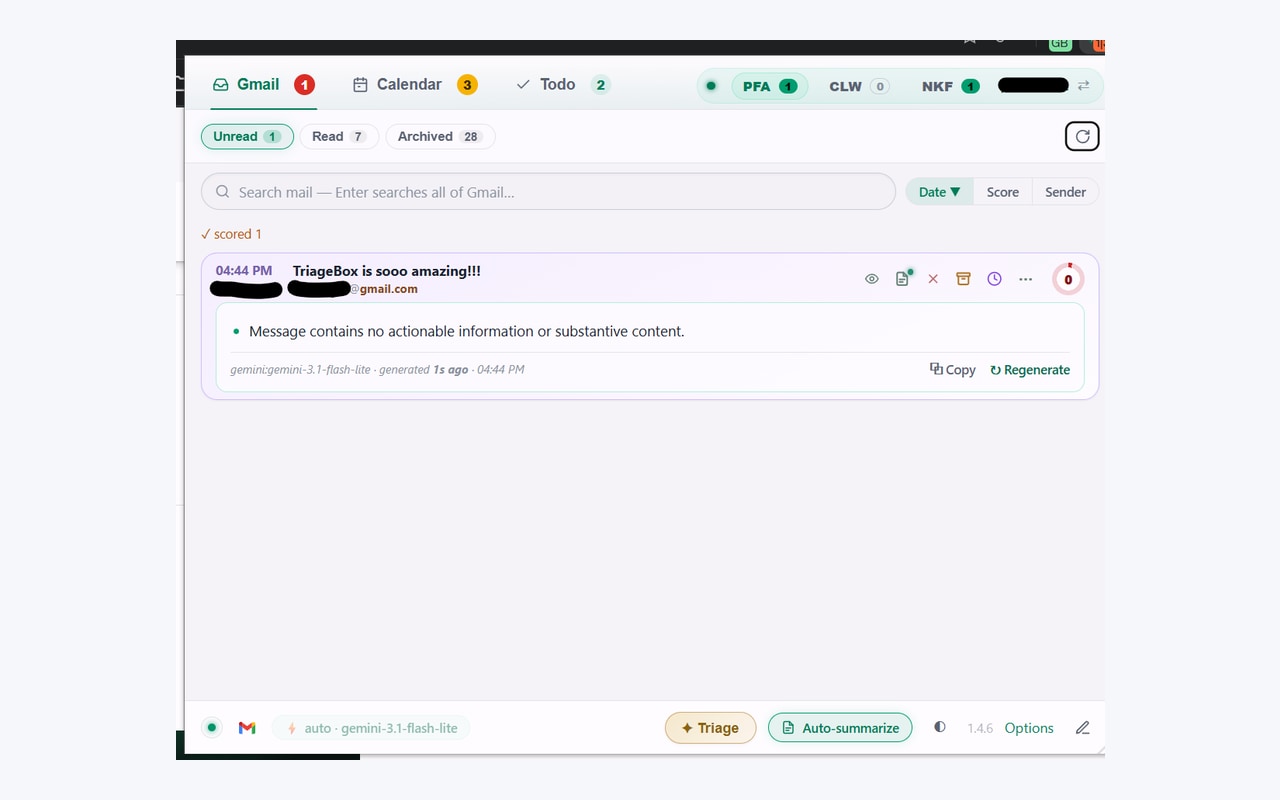
Gmail already opens invites
Open the .ics in Gmail if that is enough. Use TriageBox if the date is only in the prose.
Gmail will show an invite and let you add it. That is free and correct for a proper calendar attachment. TriageBox 2.02 is for the other mail: a lunch time buried in the body, or an .ics you want handled on the same card as triage. First-time install still shows Google’s unverified-app screen.
Same mailbox, different job
Gmail invites vs TriageBox 2.02
Facts from how Gmail handles invites and from the live Chrome Web Store listing for TriageBox 2.02. No invented ratings.
| What you need | Gmail | TriageBox 2.02 |
|---|---|---|
| A real .ics invite | Open / add from the message | Add to calendar chip on the card — local parse, exact times, no AI |
| A meeting only described in the email | Copy into Calendar yourself | Summarize, then Add to calendar — one event extracted, created on primary. Needs your AI key. The model can be wrong. |
| Fix or undo after add | Edit in Google Calendar | Amend (title, day, time, place) and Remove on the card; Remove deletes on Google Calendar |
| Both paths on one card | — | If an .ics is present, the local chip wins. The AI button is not offered beside it. |
| On your phone | Gmail / Calendar apps | Desktop Chrome only |
TriageBox is not affiliated with Google. Gmail, Google Calendar, Google and Chrome are trademarks of Google LLC. Creates go to your primary calendar. Birthdays and other special event types Google refuses to delete get Hide in the Calendar tab, not a doomed Delete.
Store 2.02 · .ics free of AI · prose needs your key
How Gmail → Calendar actually runs
- Install and connect Gmail. Connect Calendar when you want creates. No TriageBox account.
- .ics path. If the message carries a calendar invite, use Add to calendar on the card. Times come from the file, not the model.
- Prose path. Summarize with your Gemini, xAI, or OpenRouter key. When the summary looks like a dated event and there is no .ics, Add to calendar extracts one event and creates it — no confirm step in between.
- Amend or Remove. The card keeps the event you just added. Clearing a wrong AI field erases it. Remove deletes it on Google Calendar and offers Add again.
One event, not a second inbox
The single most important event from that summary. Not a dump of every date in the thread.
.ics stays honest
Invites parse locally. The AI button is withheld when the better chip is already there.
Amend on the card
Title, day, time, place — patched in place. You are not sent to calendar.google.com to fix a typo.
Snooze is a different page
Hiding a thread until they answer is snooze until reply. This page only writes Calendar.
The meeting leaves the queue
Add it once. Amend on the card. Or remove it from Google Calendar.
Chrome Web Store 2.02. Your calendar. Optional AI on your key.
Limits, stated
What this page does not claim
- It does not invent times. An .ics is exact. A prose extraction can be wrong — check Amend.
- It does not add every date in the email. One event from the summary.
- It does not run the AI path without your key, or without Calendar connected.
- It does not offer AI Add to calendar beside a real .ics — the local chip is enough.
- It does not create on a secondary calendar. Creates go to primary.
- It does not replace the Calendar tab agenda (Today / Upcoming for the next 30 days).
- It does not snooze mail or list unanswered sent threads. Those are snooze until reply and waiting for reply.
- It does not summarize PDFs. That is Gmail PDF summary.
- It does not run on your phone.
- It does not send mail through a TriageBox server.
- It is not for anyone else’s mailbox.
Quick answers
Gmail to Google Calendar
How do I create a Google Calendar event from a Gmail email?
Gmail can open an .ics invite or you can copy times into Calendar by hand. TriageBox 2.02 is a Chrome extension with two paths on the card: an .ics attachment gets a local Add to calendar chip (exact times, no AI). If the thread summary looks like a dated event and there is no .ics, Add to calendar extracts one event with your AI key and creates it on your primary calendar in one click. Amend and Remove stay on the card. The model can be wrong.
Do I need an AI key?
Not for a real .ics invite — that parses in your browser. For a plain email that only describes a meeting, yes: summarize first with your Gemini, xAI, or OpenRouter key, then use Add to calendar. Calendar OAuth is also required for create, amend, and remove.
Is this the same as snooze or waiting for reply?
No. Snooze hides a thread until a time or a reply. Waiting for reply lists sent mail nobody answered. This page only puts an event on Google Calendar. See snooze until reply and waiting for reply for those jobs.
Does my mail go through a TriageBox server?
No. There is no developer-operated backend. .ics parsing stays in your browser. Optional AI goes from your browser to the provider whose key you added. Calendar writes go to Google Calendar under your OAuth.
Desktop Chrome · calendars you already use
From the card to primary. Then amend if the model missed.
Free to install. No TriageBox account.